
What VINELink Covers in Kewaunee County
Think of Wisconsin VINE as a custody and alert tool. It is not a mugshot gallery. It is not a court database either. Start at VINELink and pick Wisconsin, then choose the local-custody category. Type in the exact name or custody identifier. Compare the identity details before you settle on a match. A hit can show a name, an identifier, the facility, and a status. It also gives you a way to register for notices. It will not show a booking photo. The Kewaunee Sheriff does link VINE. But the state text gives no promise that every county arrest makes it in. A fresh booking can lag. A release or transfer can change what you see. No match? Try another spelling, then call Kewaunee County Jail at (920) 388-7108. VINE does not cover federal custody, so use BOP or ICE tools for that.
How to Check a Kewaunee County Arrest on VINELink
Start your arrest check by opening VINELink. Choose Wisconsin, then the local-custody category. Search the exact name or custody identifier. Check the identity details closely before you pick a match. Common names trip people up. A result lists the name, identifier, facility, status, and any notification option available. What it never gives is a booking photo or a court ruling. Keep in mind that Kewaunee County bookings may not all reach VINE. The Sheriff links the service, but coverage is not total. New arrests take time to post. A release or transfer can flip a status fast. When nothing turns up, retry the spelling and call Kewaunee County Jail at (920) 388-7108. For federal inmates, skip VINE and use BOP or ICE tools instead.
What VINELink Shows After an Arrest
After an arrest in Kewaunee County, VINE answers one question: is this person in custody? It does not answer court questions. It shows no booking photo. To search, open VINELink and select Wisconsin and the local-custody category. Then enter the exact name or custody identifier. Confirm the identity details on any match before trusting it. The screen can list the name, identifier, facility, status, and a notification option. Coverage has limits, though. The Sheriff links the service. Yet state text does not say every county arrest is included. A fresh booking may lag or change after release. An empty result calls for a second spelling try. You can also call Kewaunee County Jail at (920) 388-7108. Federal custody sits outside VINE, so turn to BOP or ICE tools there.
How to Register for Custody Alerts
Registration is what makes VINE useful after a Kewaunee County arrest. First, though, you need a match. Open VINELink, pick Wisconsin and the local-custody category, and search the exact name or custody identifier. Weigh the identity details before choosing. You may then sign up for phone or email alerts on that person. Phone registration uses a four-digit PIN. Expect calls for up to 48 hours unless you enter the PIN. Remember the service's reach: it tracks custody, not court records or booking photos, and the Sheriff links it without any pledge that every county arrest appears. New bookings can lag, and releases change things fast. If the search comes up dry, try a new spelling and call Kewaunee County Jail at (920) 388-7108. Federal cases need BOP or ICE tools, not VINE.
VINELink Limits and How to Confirm
VINE has real limits, so know them going in. It is a custody-information and notification service. It is not a booking-photo source. It is not a court record either. Coverage matters most: the Kewaunee Sheriff links the service, but state text never claims every county arrest is listed. A fresh booking may lag, and a release or transfer can change a result after you find it. To check anyway, open VINELink, choose Wisconsin plus the local-custody category, and search the exact name or custody identifier, comparing identity details on each match. A result can include the name, identifier, facility, status, and a notification option, with phone registration using a four-digit PIN and calls running up to 48 hours unless the PIN is entered. A blank result means a new spelling and a call to Kewaunee County Jail at (920) 388-7108. Federal custody requires BOP or ICE tools.
Kewaunee VINE Screens
The Wisconsin VINE policy page lays out the state scope, the statewide number, language access, and how phone registration works.
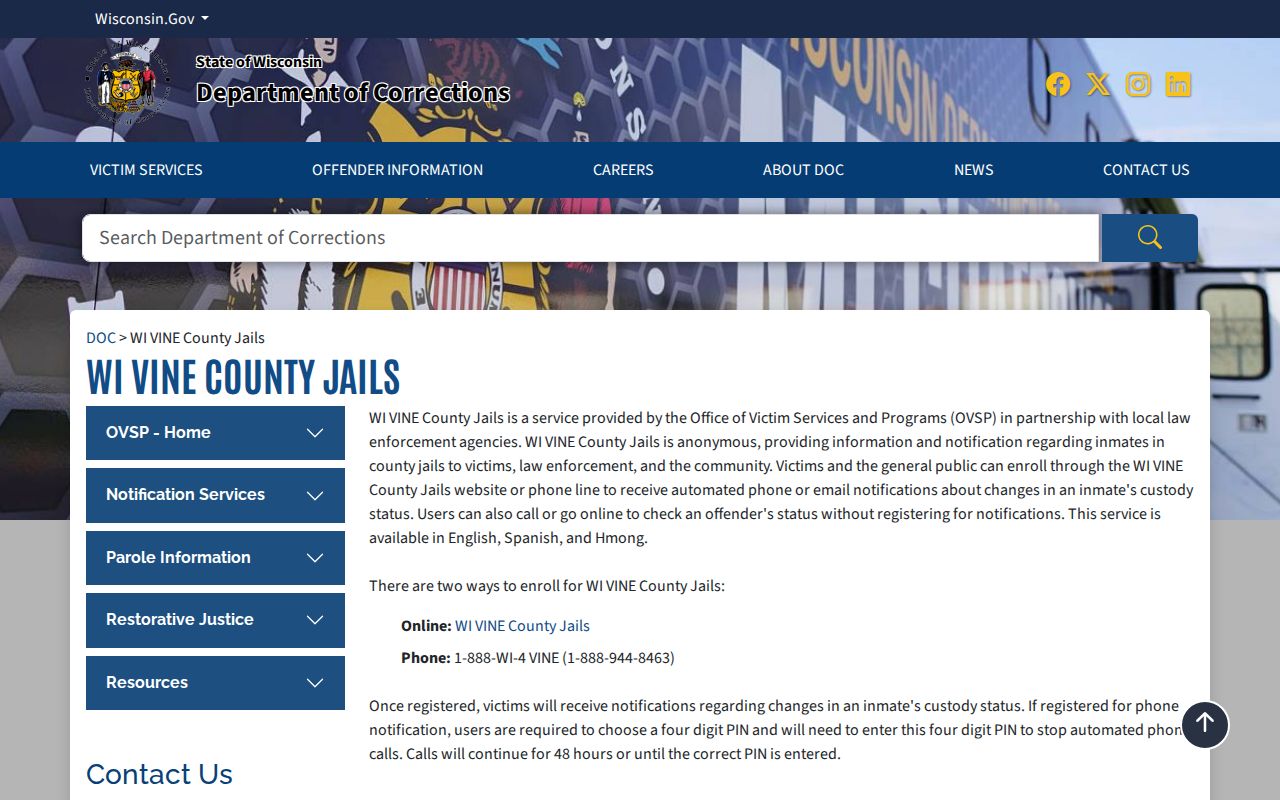
The state page wins if county and state numbers ever disagree. For a name or ID check, the VINELink search screen is the tool to use.

Match identity details carefully before trusting any result. To set up phone or email alerts, use the VINELink registration screen.

An alert depends on the agency feed and is not a court disposition.